# GraffitiTooltip
Class Inherits GraffitiSuite.BaseObject
## About
GraffitiTimeline is a powerful timeline display component designed to allow your users to view tasks in a time-oriented mechanism.Features:
*
Locale support
*
Grouping
*
Orientation customization
*
Major and minor labels
*
Custom Styling
*
Rolling mode to track current time
*
User editing
*
Zoom
*
Point, Box, and Line item types
## Preview
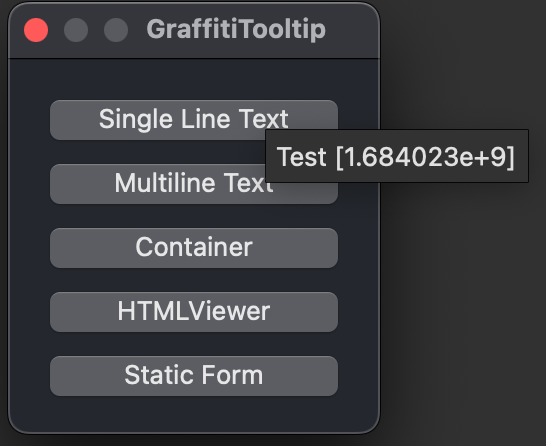
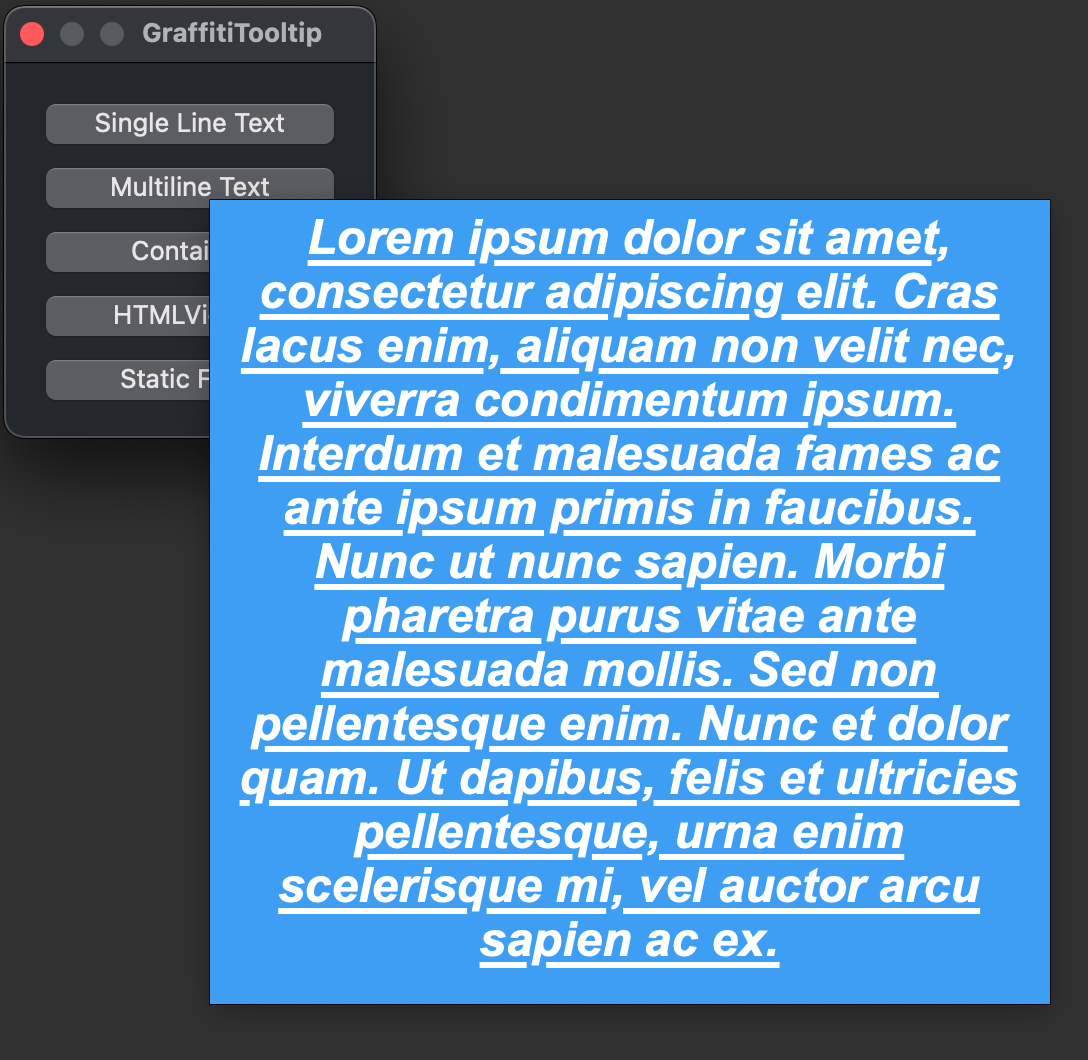
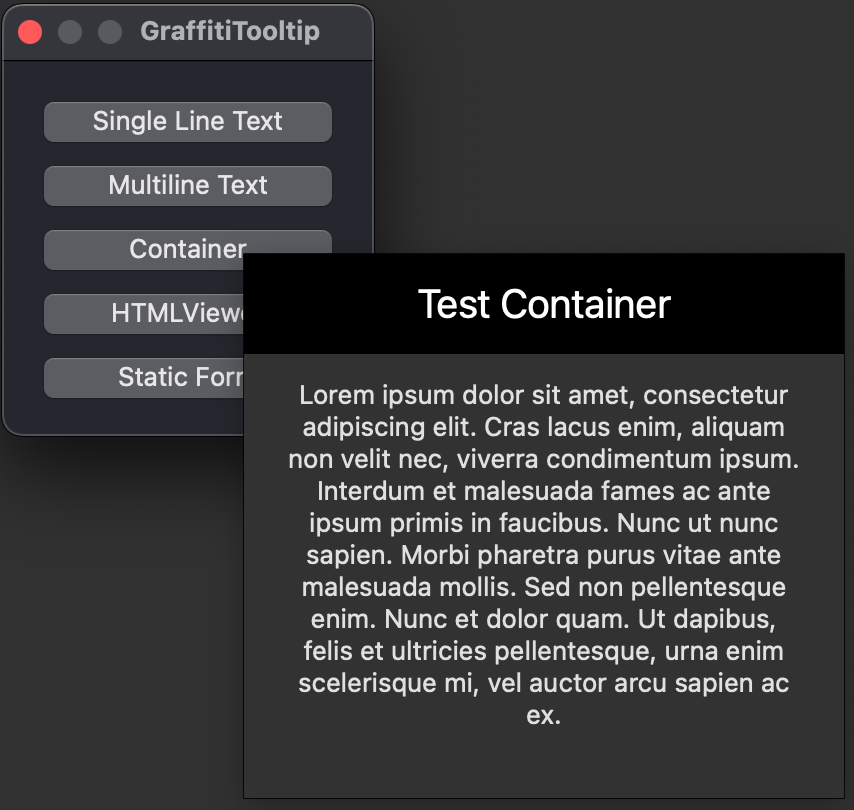
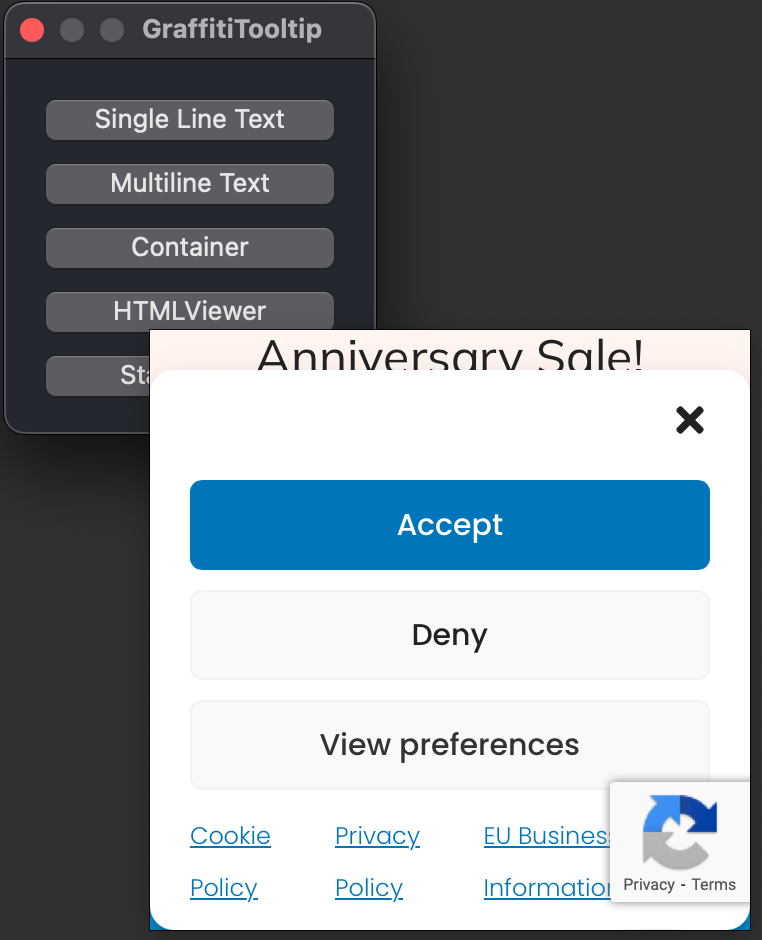
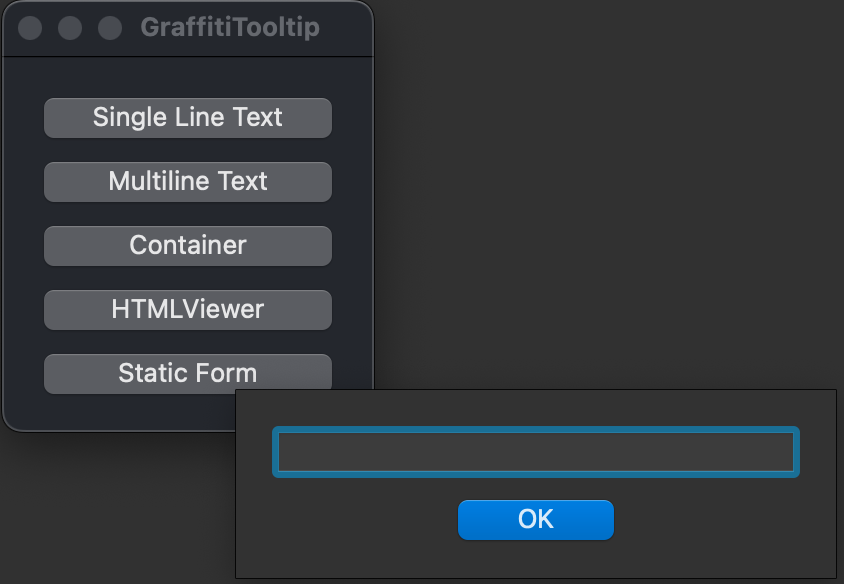
Previous
Next
## Event Definitions
| Name | Parameters | Return Type | Description |
| --- | :---: | :---: | --- |
| ItemHidden | item as GraffitiTooltipItem | (None) | Raised when a GraffitiTooltipItem has been hidden either by losing focus or calling the Hide method. |
| ItemShown | item as GraffitiTooltipItem | (None) | Raised when a GraffitiTooltipItem has become visible on the display. |
## Methods
| Name | Parameters | Return Type | Description |
| --- | :---: | :---: | --- |
| Sub | Add | (None) | Adds the specified item. |
| Sub | BindTo | (None) | Attempts to automatically bind to the specified control. If that control implements the events needed for the TooltipItem to function, you will receive exceptions. |
| Sub | Constructor | (None) | |
| Attributes | Hidden | Execute | |
| Function | Item | As | Returns the item at the specified index within the internal array. |
| Function | Item | As | Returns the item at the specified index within the internal array. |
| Function | Item | As | Returns the item at the specified index within the internal array. |
| Function | LastIndex | As | The index of the last item in the internal array. |
| Sub | RemoveAll | (None) | Remove and destroy all added items. |
| Sub | RemoveAt | (None) | Remove and destroy the item at the specified index. |
| Sub | UnbindFrom | (None) | Unbinds the tooltip from the specified control. |
## Properties
| Name | Type | Default Value | Description |
| --- | :---: | :---: | --- |
| Private | | GraffitiTooltipItem | |
